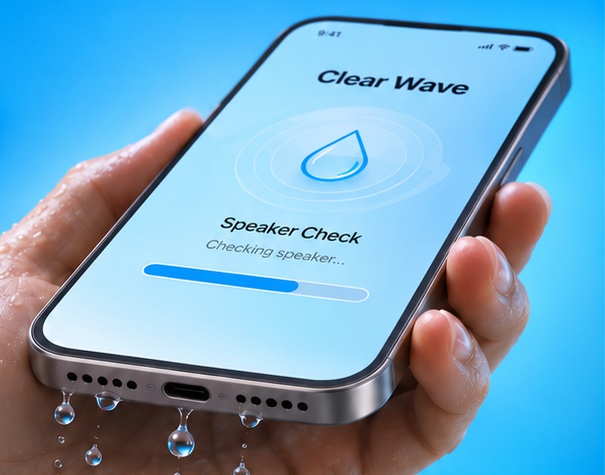
Rivenslo apps for iPhone and iPad
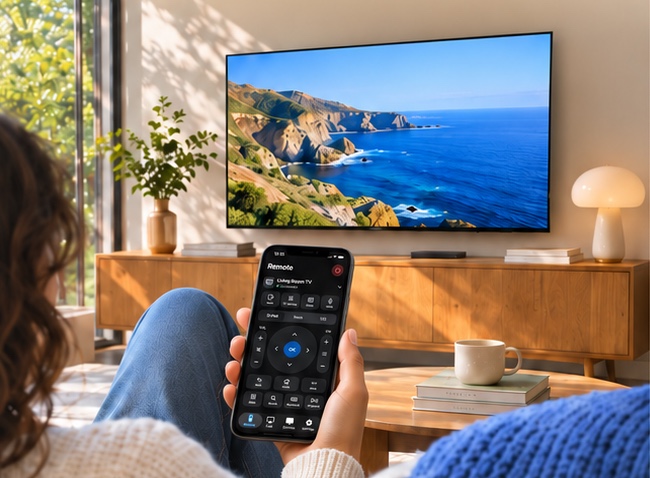
App support
For questions about either app, email dev@rivenslo.cn.
How do I connect to my TV?
Connect your phone and TV to the same Wi-Fi network and allow the app to access your local network. Select your TV in the app and follow the pairing instructions. Available controls depend on the TV model. Remote controls and photo or video casting require a Pro subscription.
How do I use Clear Wave’s speaker tool?
Open the water ejection tool, choose a mode, and follow the prompts to play the tone. Results vary depending on the device and how much water is present. If the device was submerged or is malfunctioning, follow the manufacturer’s guidance.
Where can I manage my subscription?
On your iPhone or iPad, open Settings, tap your name, then tap Subscriptions. Select the app to view, change, or cancel your plan.
Changsha Rivenslo Technology Co., Ltd
We develop iPhone and iPad apps for smart TV control, media casting, and mobile device checks.